Google Business Profile Performance Report: How to Read Your Insights and Act on Them (2026)
Google Business Profile performance explained: views, searches, calls, website clicks, directions and bookings, what each metric means, how to use search terms, UTM tracking, monthly reporting and what to do with the data.

Quick answer: The Performance section of your Google Business Profile shows how people find and interact with your business: profile views, the searches that showed your profile, and actions like calls, website clicks, direction requests and bookings. Use it monthly. Watch trends in calls and website clicks, review the search terms to see what people looked for, add UTM tags to your website link so you can see profile traffic in analytics, and compare against your actual leads.
- Calls and website clicks are the key actions for service businesses.
- Search terms show what people looked for when they found you.
- Views alone don’t pay the bills.
- UTM tags show profile traffic in Google Analytics.
- Compare month over month and year over year.
- Use data to decide on services, posts and photos.
Where to find performance data
- Search your business name on GoogleWhile signed in to the managing account.
- Click “Performance”In the management panel.
- Pick a date rangeCompare months or seasons.
- Review each tabOverview, calls, bookings, directions, website clicks, searches.
Data can be delayed by a few days and may be limited for small numbers.
What each metric means
| Metric | What it shows | Why it matters |
|---|---|---|
| Profile interactions | Total actions taken | Overall engagement |
| Views | How many people saw your profile on Search and Maps | Visibility trend |
| Searches | Search terms that showed your profile | What people want |
| Calls | Calls made from your profile | Direct leads |
| Website clicks | Visits to your site | Interest and leads |
| Directions | Direction requests | Key for storefronts |
| Bookings | Bookings through integrated providers | Direct appointments |

Short answer vs detailed answer: are profile calls the same as leads?
Short answer
Close, but not exactly.
Detailed answer
Profile calls count taps on the call button from your profile. Some are existing customers, some are vendors, some hang up. They’re a strong signal, but compare them with your call logs or CRM to see how many became real leads and jobs.
Not sure what your numbers mean?
We’ll review your profile data and explain what to do next.
Using search terms
The searches tab lists terms people used when your profile appeared. It’s one of the most useful parts of the report.
- Branded terms: your name. Shows awareness.
- Service terms: “water heater repair”. Shows relevance.
- Problem terms: “ac not cooling”. Shows intent.
- Missing services: terms you don’t appear for may need services, pages or posts.
If most of your searches are your brand name, people already know you but Google isn’t showing you for service searches. Focus on categories, services, reviews mentioning services and your website’s service pages.
UTM tracking for profile traffic
Without UTM tags, Google Analytics often lumps your profile clicks into “organic” or “direct”. Add tags to see them clearly.
- Build a tagged URLUse our GBP UTM builder.
- Paste it as your website linkIn the profile.
- Tag booking links tooIf you use them.
- Check GA4Filter by your campaign or source.
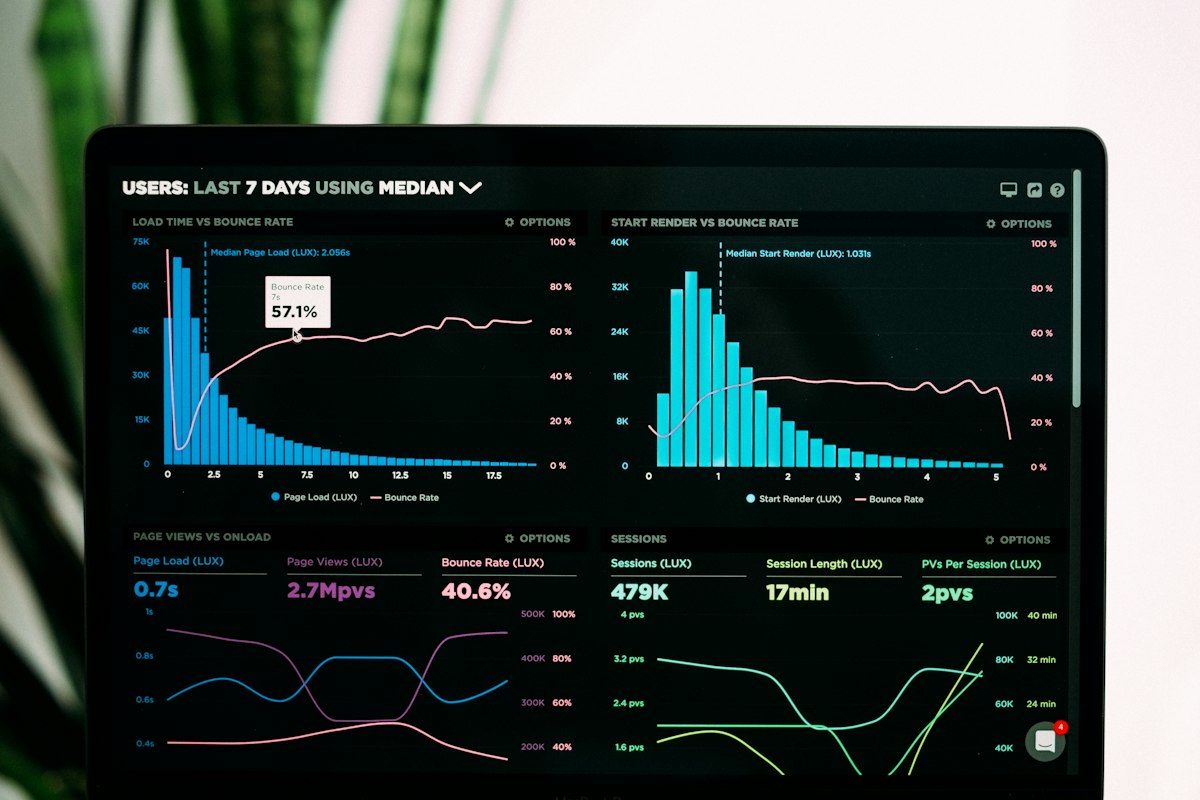
A simple monthly report
| Metric | This month | Last month | Same month last year |
|---|---|---|---|
| Calls | … | … | … |
| Website clicks | … | … | … |
| Directions | … | … | … |
| New reviews | … | … | … |
| Top 5 search terms | … | … | … |
Year-over-year comparisons matter for seasonal businesses.
Turning data into action
| What you see | What to do |
|---|---|
| Views up, calls flat | Improve photos, reviews, description, hours |
| Few service searches | Add services, categories and service pages |
| Calls drop suddenly | Check hours, phone number, suspension, spam competitors |
| Website clicks high, few leads | Improve landing page and calls to action |
Common mistakes
- Judging success by views only.
- No UTM tags on website links.
- Never reading search terms.
- Comparing December to July for seasonal businesses.
- Not matching profile calls with real leads.
GBP performance FAQs
Where is Google Business Profile Insights?
It’s now called Performance and is in your profile management panel.
Why do my numbers look low?
Small businesses may see limited data, and metrics can be delayed.
Do views include Maps?
Yes, views can come from Search and Maps.
How do I track profile leads in GA4?
Add UTM parameters to your website link.
How often should I check performance?
Monthly is enough for most businesses.
What’s the most important metric?
For service businesses, calls and website clicks that turn into leads.
Reporting you can act on
Synova Digital manages and reports on Google Business Profiles monthly.