
Google Analytics 4 for Small Business: What to Track and How to Read It (2026)
Google Analytics 4 for small business: setup basics, key events for leads, traffic sources, tracking calls and forms, UTM tags for Google Business Profile, simple reports to watch and privacy considerations.
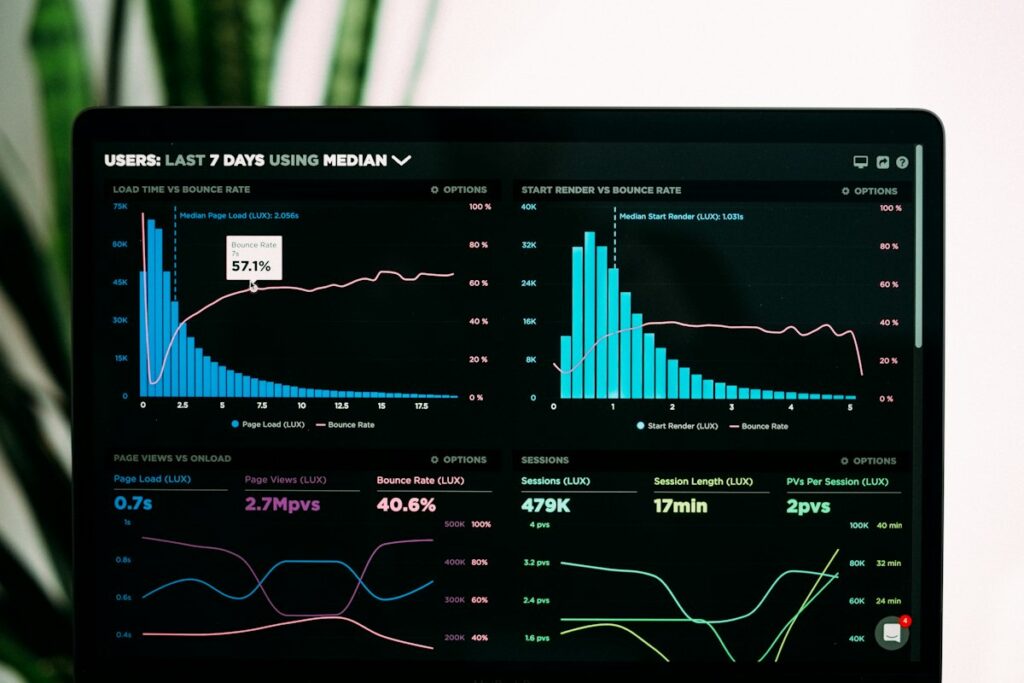
Quick answer: Google Analytics 4 (GA4) shows how people find and use your website. For a small service business, the most useful setup is simple: install GA4, mark lead actions like form submissions, phone clicks and bookings as key events, tag your Google Business Profile link with UTMs, and connect Search Console and Google Ads. Then check a few reports monthly: traffic by source, key events by source and landing pages that bring leads.
- GA4 is event-based. Leads are tracked as key events.
- Track forms, phone clicks and bookings.
- UTM tags separate Google Business Profile traffic.
- Link Search Console and Google Ads.
- A handful of reports answers most questions.
- Respect privacy laws and consent rules.
GA4 basics
GA4 tracks interactions as events: page views, scrolls, clicks, form submissions. You choose which events matter most and mark them as key events (formerly called conversions).
| Term | Plain meaning |
|---|---|
| Event | Any tracked action |
| Key event | An action you care about, like a lead |
| Session | A visit |
| Engaged session | A visit with meaningful interaction |
| Source / medium | Where visitors came from |
Setup checklist
- Create a GA4 propertyAnd a web data stream for your site.
- Install the tagDirectly, through Google Tag Manager or your site builder.
- Turn on enhanced measurementTracks scrolls, outbound clicks and more.
- Set key eventsForms, calls, bookings.
- Link Search Console and Google AdsFor fuller reporting.
- Set data retentionChoose the longest option available that fits your needs.
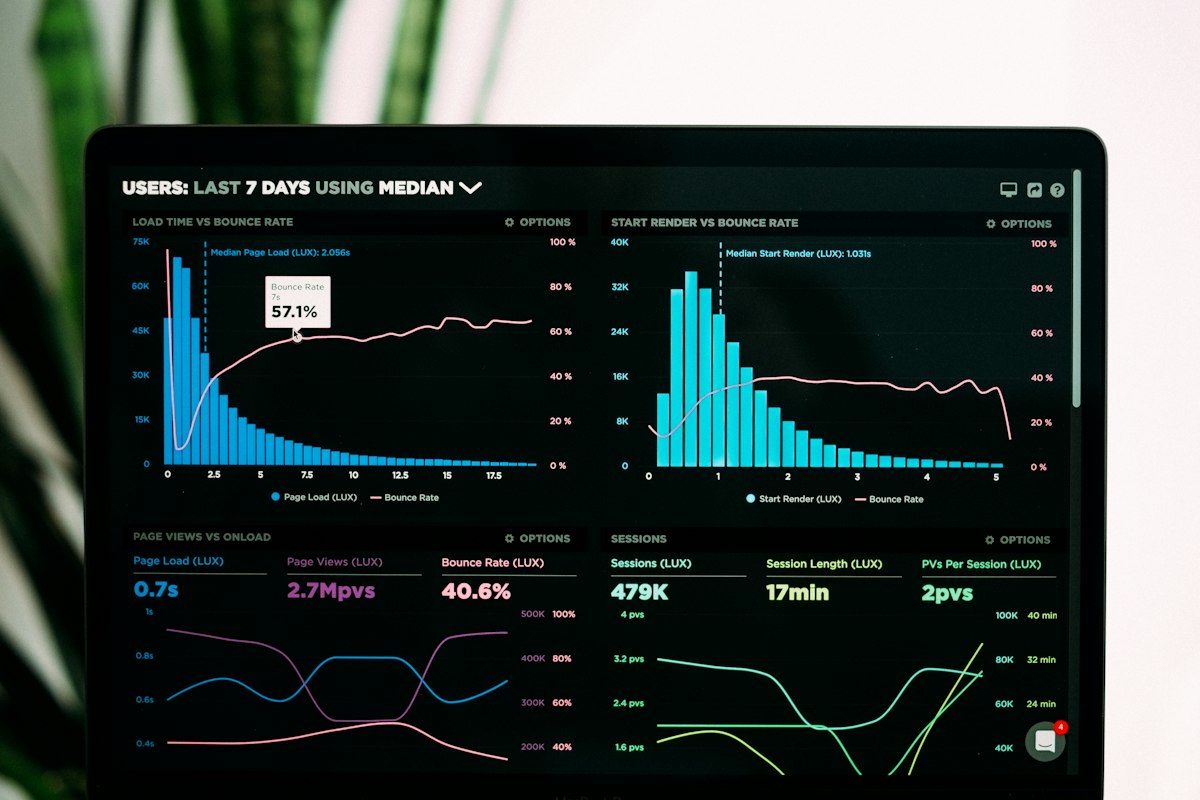
Tracking leads as key events
| Lead action | How to track |
|---|---|
| Form submission | Thank-you page view or form submit event |
| Phone number click | Click event on tel: links |
| Online booking | Booking confirmation event or page |
| Chat start | Chat widget event, if supported |
Short answer vs detailed answer: does GA4 track phone calls?
Short answer
It tracks clicks on your number, not the call itself.
Detailed answer
GA4 can record when someone taps your phone link. It can’t confirm the call connected or how long it lasted. For full call tracking, use Google Ads call tracking or a call tracking service, then compare with GA4 data.
Not sure your tracking works?
We’ll check your GA4 and lead tracking for free.
Understanding traffic sources
- Organic Search: unpaid Google and Bing results.
- Paid Search: Google Ads and other search ads.
- Direct: typed URLs, bookmarks and some untracked sources.
- Referral: other websites.
- Organic Social / Paid Social: social platforms.
Tag your Google Business Profile website link with UTMs using our GBP UTM builder so profile traffic shows clearly.
Reports worth checking
- Traffic acquisitionSessions and key events by channel.
- Landing pagesWhich pages bring visitors and leads.
- Key eventsTotal leads and trends.
- Device breakdownMobile vs desktop behavior.
Create a simple saved report or Looker Studio dashboard with just leads by source and top landing pages. You’ll actually look at it, unlike the full GA4 interface.
Privacy and consent
- Update your privacy policy to mention analytics.
- Use a consent banner where laws require it.
- Don’t send personal data like names or emails into GA4.
- Health-related businesses should take extra care with tracking.
Common mistakes
- No key events set up.
- Counting page views as leads.
- No UTMs on Google Business Profile links.
- Tag installed twice, doubling data.
- Never checking after website changes.
Monthly routine
| Check | Question it answers |
|---|---|
| Leads by channel | Where do leads come from? |
| Top landing pages | Which pages bring leads? |
| Mobile vs desktop | Is mobile converting? |
| Month vs last year | Are we growing? |
GA4 FAQs
Is GA4 free?
Yes, the standard version is free.
What are key events?
Events you mark as important, like form submissions or bookings.
Why is so much traffic “Direct”?
Untagged links, apps and some privacy settings can show as direct.
Should I link GA4 to Google Ads?
Yes, for better reporting and audiences.
Can GA4 track phone calls?
It tracks clicks on phone links. Use call tracking for actual calls.
Do I need Google Tag Manager?
Not required, but helpful for managing several tags.
Tracking that shows what works
Synova Digital sets up GA4 and lead tracking for small businesses.