
Title Tags for Local Businesses: How to Write Titles That Rank and Get Clicks (2026)
How to write title tags for local business websites: formulas for homepages, service and city pages, length, keyword placement, why Google rewrites titles, examples by trade and mistakes to avoid.
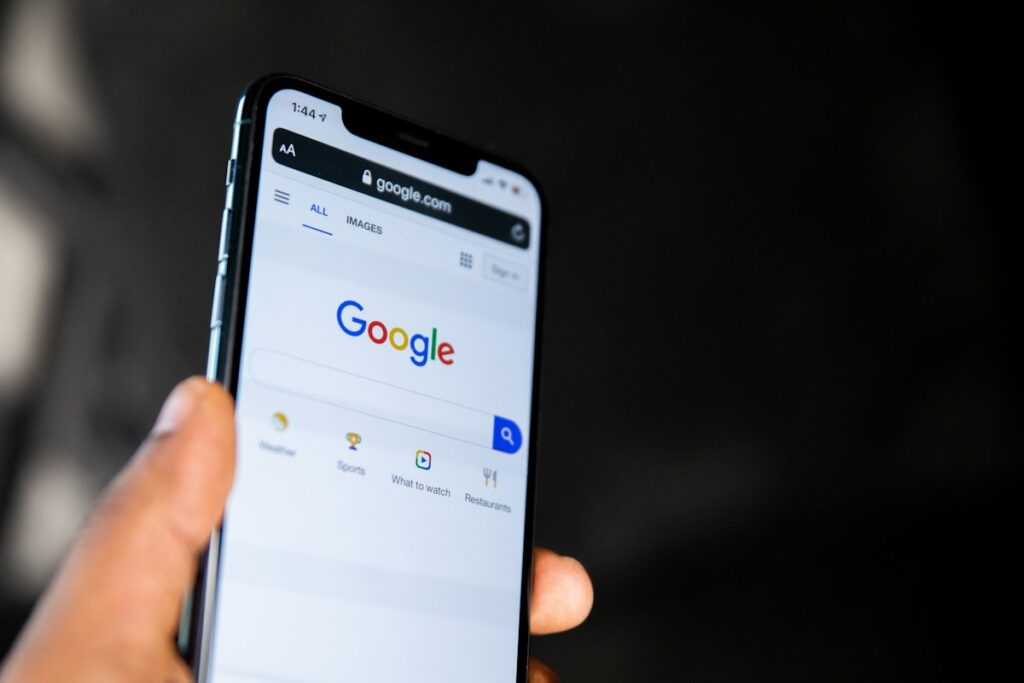
Quick answer: A title tag is the clickable headline in search results. For local businesses, the best titles put the main service first, add the city where it fits, and end with your brand: “Water Heater Repair in Austin | Smith Plumbing”. Keep titles short enough to display well, make every page’s title unique, and write for people, not just keywords. Google may rewrite titles it finds unhelpful, so match the title to what’s actually on the page.
- Lead with the service, then location, then brand.
- Every page needs a unique title.
- Keep titles concise so they don’t get cut off.
- Match the title to the page’s main heading and content.
- Google may rewrite titles that don’t fit.
- Test your titles with a preview tool.
What a title tag is
The title tag is an HTML element that names a page. It appears as the blue headline in Google results and in browser tabs. It helps Google understand the page and helps searchers decide whether to click.
- One of the clearest relevance signals on a page.
- Shapes your click-through rate.
- Often used as the shared title when pages are linked or shared.
Formulas by page type
| Page | Formula | Example |
|---|---|---|
| Homepage | Main service + City | Brand | Plumber in Austin, TX | Smith Plumbing |
| Service page | Service + City | Brand | Drain Cleaning in Austin | Smith Plumbing |
| City page | Service + City | Brand | Roof Repair in Round Rock | Peak Roofing |
| Blog post | Clear question or benefit | Why Is My AC Blowing Warm Air? 7 Common Causes |
| Contact | Contact + Brand + City | Contact Smith Plumbing | Austin Plumbers |
Examples by trade
- AC Repair in Phoenix | Same-Day Service | Desert Air
- Roof Replacement in Tulsa | Free Inspections | Peak Roofing
- Electrician in Charlotte | Panel Upgrades and Repairs | Volt Electric
- House Cleaning in Denver | Weekly and Deep Cleans | Bright Home
- Pest Control in Tampa | Termites, Rodents and Ants | ShieldPest
Short answer vs detailed answer: should every title include my city?
Short answer
Service and city pages, yes. Blog posts, only if relevant.
Detailed answer
For pages targeting local searches, the city helps relevance and clicks. For general guides, forcing a city in can look odd and doesn’t match how people search. Use the city where the content is genuinely local.
Want titles that bring more clicks?
We’ll audit your page titles and rewrite the ones holding you back.
Length and display
Google displays titles based on pixel width, not a fixed character count. Long titles get cut off with “…”.
- Put the most important words first.
- Keep titles concise. Many fit well around 50 to 60 characters.
- Use separators like | or – to keep it readable.
- Preview with our SERP preview tool.
Why Google rewrites titles
| Cause | Fix |
|---|---|
| Title doesn’t match page content | Align title with H1 and content |
| Keyword stuffing | Write naturally |
| Very long titles | Shorten |
| Same title on many pages | Make each unique |
| Missing or empty title | Add one |
Make your page’s H1 heading and title tag closely related. When they match the page’s main topic, Google is less likely to rewrite your title.

How to edit titles
- WordPress with an SEO pluginEdit the SEO title field on each page.
- Website buildersLook for “SEO settings” on each page.
- Check resultsSearch Console shows clicks and impressions over time.
Common mistakes
- “Home” or “Services” as a title.
- Same title on every page.
- Brand name first on every page.
- Long lists of cities.
- Keyword stuffing.
Title audit plan
| Step | Action |
|---|---|
| 1 | List all pages and current titles |
| 2 | Flag duplicates, missing and vague titles |
| 3 | Rewrite with service + city + brand |
| 4 | Preview for length |
| 5 | Check Search Console click-through after a few weeks |
Title tag FAQs
How long should a title tag be?
Short enough to display fully. Many fit around 50 to 60 characters.
Should my brand be in every title?
Usually at the end, not the start.
Does Google always use my title?
No. It may rewrite titles that don’t fit the page or query.
Can I use the same title on city pages?
No. Each page should have a unique title.
Do titles still matter for SEO?
Yes, for relevance and click-through rate.
Should I add emojis?
Usually not for service businesses. Keep it clean and professional.
Google: Influencing title links, Google SEO Starter Guide, Search Console: Performance report.
On-page SEO done right
Synova Digital optimizes titles, content and structure for local businesses.