
Online Booking for Home Service Businesses: Let Customers Book 24/7 (2026 Guide)
Online booking for home service businesses: why it brings more jobs, what to let customers book, booking rules, where to place the button, Google Business Profile booking, confirmations and mistakes.
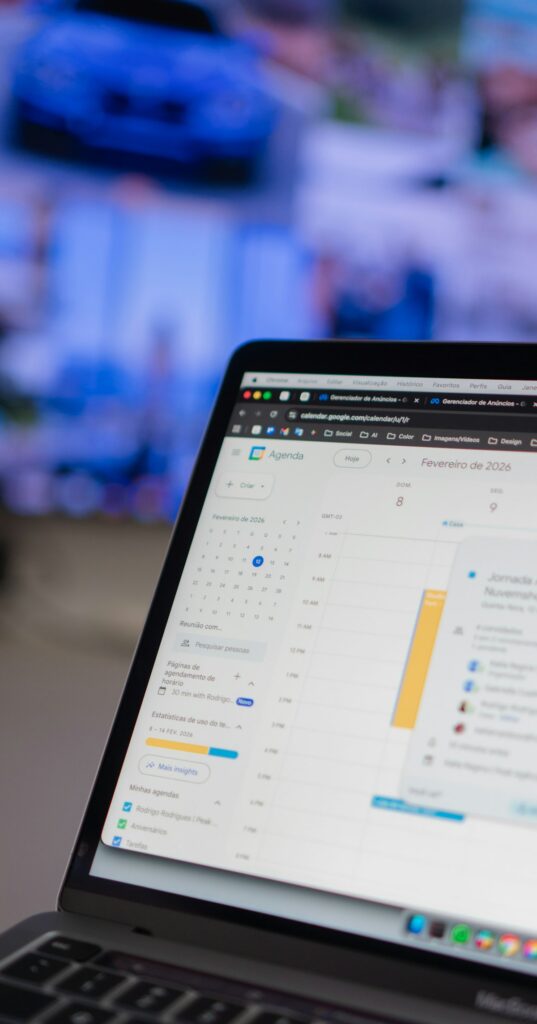
Quick answer: Online booking lets customers pick a time for a service visit or estimate from your website, Google Business Profile or a text link, without a phone call. Many homeowners look for help in the evening when your office is closed. If they can book right then, you get the job instead of the competitor who answers first tomorrow. Start with simple, predictable services (estimates, tune-ups, inspections), set clear rules for service areas and time windows, and send automatic confirmations and reminders.
- Customers book when it suits them, even after hours.
- Start with estimates and routine services.
- Use arrival windows, not exact times.
- Limit booking to your service area.
- Put the booking button everywhere customers look.
- Confirmations and reminders reduce no-shows.
Why online booking matters
- Captures leads outside office hours.
- Fewer phone calls for simple bookings.
- Customers prefer it for routine services.
- Booking data flows straight into your CRM.
- Pairs well with Google Business Profile and ads.
What to let customers book
| Good for online booking | Better by phone |
|---|---|
| Free estimates and consultations | Emergencies (burst pipe, no heat) |
| Tune-ups and maintenance | Large, complex projects needing questions first |
| Inspections | Jobs needing special equipment or crews |
| Cleaning services | Commercial jobs with access rules |
| Standard installs with clear scope | Anything unclear in scope |
Booking rules that protect your schedule
- Arrival windows“8 to 10 AM” instead of “8:00 sharp”.
- Service area limitsZip code or address check.
- Lead timeNo same-hour bookings unless you want them.
- Daily capsMax bookings per day or per tech.
- Buffer timeTravel time between jobs.
- Required infoAddress, problem, photos if helpful, phone.
Ask for a photo of the problem during booking. Techs arrive with the right parts, and you spot jobs that need a different approach before the truck rolls.
Short answer vs detailed answer: will online booking mess up my schedule?
Short answer
Not if you set clear rules.
Detailed answer
Most problems come from showing too much availability. Show only the slots you’re happy to fill, use windows, add buffers and cap daily bookings. Many businesses also start with “request a time” so the office confirms each booking, then switch to instant booking once they trust the rules.
Want customers booking while you sleep?
We set up online and AI booking for home service businesses.
Where to put the booking button
| Place | Tip |
|---|---|
| Website header | “Book online” next to the phone number |
| Service pages | Button near the top and at the end |
| Google Business Profile | Add your booking link as the appointment URL |
| Missed-call text back | Include the booking link |
| Emails and reminders | Easy rebooking |
| Chatbot | Book inside the chat |
The booking flow
- Customer picks service and enters address.
- System checks service area.
- Customer picks an available window.
- Instant confirmation by text and email.
- Reminder the day before.
- “On my way” text from the tech.
- Review request after the job.

Common mistakes
- Booking button hidden on a “Contact” page.
- Too many form fields.
- No service area check.
- Exact times you can’t keep.
- No confirmation or reminder.
- Booking system not connected to your calendar.
Launch plan
| Week | Focus |
|---|---|
| Week 1 | Choose tool, set services, windows and area rules |
| Week 2 | Connect calendar and CRM, set confirmations and reminders |
| Week 3 | Add buttons to site, GBP and texts |
| Week 4 | Review bookings, adjust availability and rules |
Online booking FAQs
Is online booking good for home services?
Yes, especially for estimates and routine services.
Can I add booking to my Google Business Profile?
Yes, you can add an appointment or booking link in your profile.
Should I show exact times?
Arrival windows are usually more realistic for field work.
How do I stop out-of-area bookings?
Use zip code or address checks in the booking form.
Will customers really book online?
Many prefer it for routine services, especially after hours.
Can AI handle booking?
Yes. AI chat and voice agents can book directly into your calendar.
Book more jobs, take fewer calls
Synova Digital sets up booking that fits how you work.